 beesolo.
Remember the details before a client returns.
Customer records keep preferred contact details and private notes together. Open the record before a visit instead of searching through old conversations.
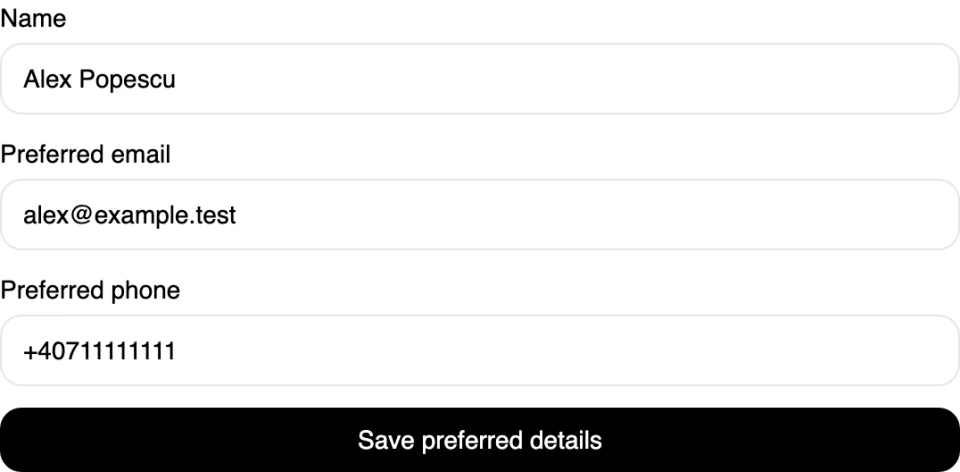
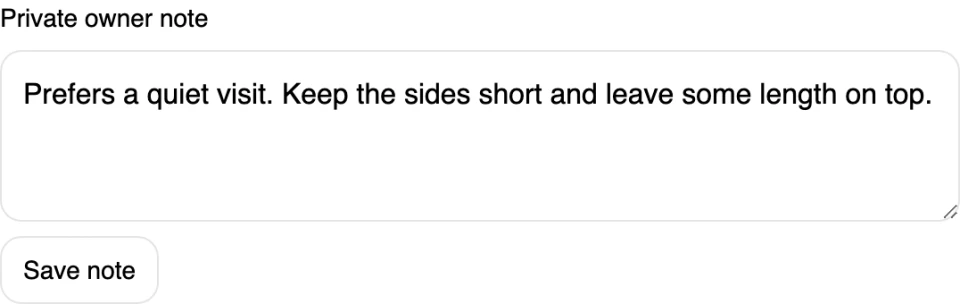
Keep useful context with the person
Alex prefers a quiet visit and likes the sides kept short. Save that in a private owner note so you can check it before the next appointment.
Find the person you need
Search your customer directory and open their details before a visit.
Update a preference
Edit the private note when the client asks for something different.
Handle duplicate records
Review duplicates in the directory so the same person does not leave you with separate, conflicting details.
Keep records private
Manage client information within your business. Contact details supplied for booking are not a newsletter subscription.
Have the right details before you get in touch
Keep the client’s preferred name, email, and phone number in their record. If a number changes or they prefer a different email, update it where you will look before the next visit.
Start keeping client recordsRemember the preference that makes a difference
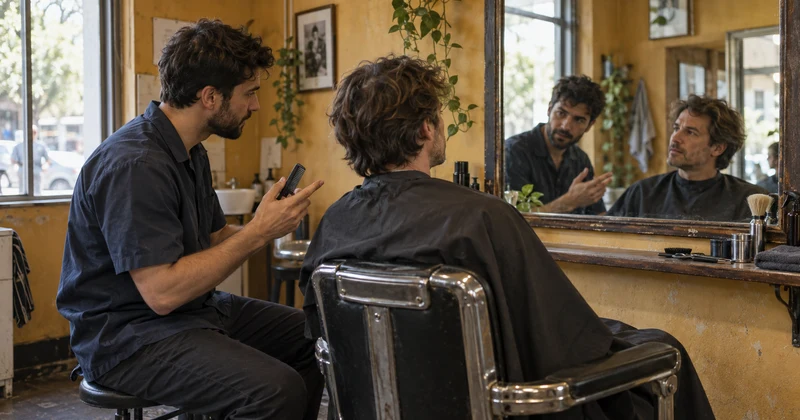
A quiet appointment. Shorter sides. More length left on top. Keep a useful note while the conversation is still fresh, then check it before the client returns.
Keep contact details and preferences together
Open one record to check how to reach the person and what you wanted to remember. A short, current note is easier to use at the start of an appointment than searching through several message threads.
Separate the client’s note from your own
Clients can leave a note while booking a particular appointment. Your private owner note is where you keep information for future visits. It stays in the Merchant App and does not appear on your public page.
Start keeping client records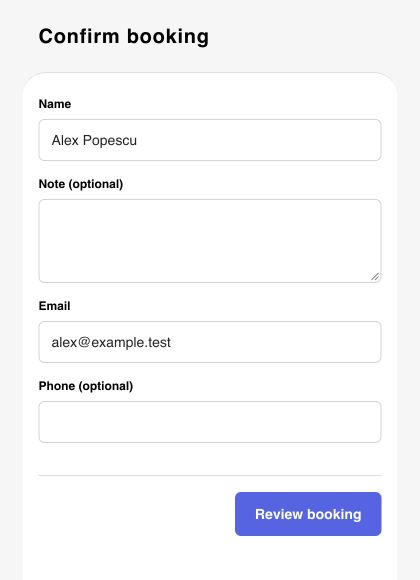
Update the record when preferences change
Check the note with the client when it matters, then revise it to reflect what they want now. The record should help with the next appointment, rather than preserve an old preference that no longer applies.
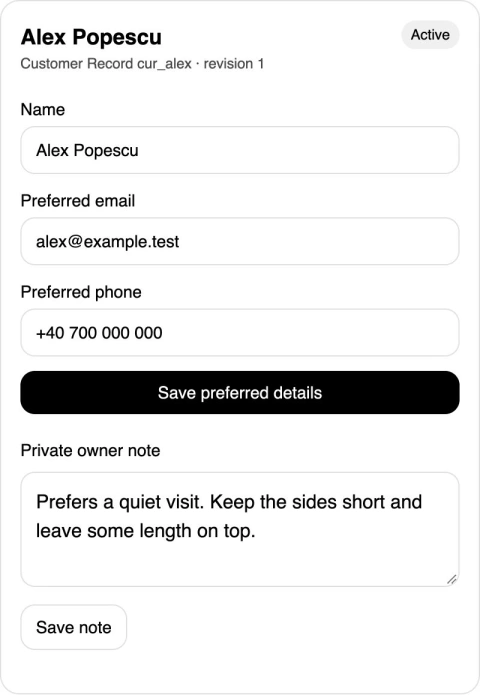
Find the person before their next visit
Use the customer directory to search for the person and open their record. Review duplicate records when the same client appears more than once, so contact details and preferences are easier to keep consistent.
Make checking the record part of your routine
A short, current note is more useful than a long record you never read.
Start keeping client recordsFind the client before the visit
Search the directory and check the preferred name and contact details. Review a possible duplicate before treating it as a different person.
Read what helps you prepare
Look for practical preferences such as a quiet appointment or a preferred finish. Keep the note focused on the service you provide.
Update what changed
Correct a contact detail or revise the note after the client gives you new information. Leave the next visit with a useful starting point.
Questions before you start
What you can keep in a record and who can access it.
Keep the client's preferred name, email, phone number, and a private owner note. Records also retain contact and booking observations that help you manage the information supplied by a client.
Prepare for the visit and the one after it
Use client context to make first appointments clearer and follow-up visits easier to arrange.
· 4 min read
Keep clients · beesolo
A first salon visit checklist: help new clients arrive ready
Send a useful arrival message, make the entrance easy to find, and leave room for a proper consultation. A practical first-visit guide for solo professionals.

· 3 min read
Keep clients · beesolo
Help salon clients book their next visit before they leave
A simple rebooking conversation for solo barbers and hair stylists, with scripts for clients who know their diary and those who need to check it.
Your next booking starts here.
Your work, services, and available times. One link clients can book from.