 beesolo.
Salon price increase messages and templates
Explain a new price clearly, set an effective date, and avoid surprising clients with existing bookings. Adapt these messages for your page, social profile, or direct replies.
By beesolo · Published on · Updated · 4 min read
On this page
Before writing an announcement, decide what will change and which appointments it affects. A client should be able to answer three questions after reading it: what will I pay, when does that start, and what happens to the appointment I already booked?
This guide is about communicating a price you have chosen. It does not prescribe an increase, promise client retention, or assume that a service-price edit changes existing bookings.
Make a small change sheet
List every affected service, its old and new price, the effective date, and whether the service itself changes. Download the price-change worksheet or use the example below.
Scroll sideways to see the full table.
| Example service | Current price | New price | Applies from | What is included |
|---|---|---|---|---|
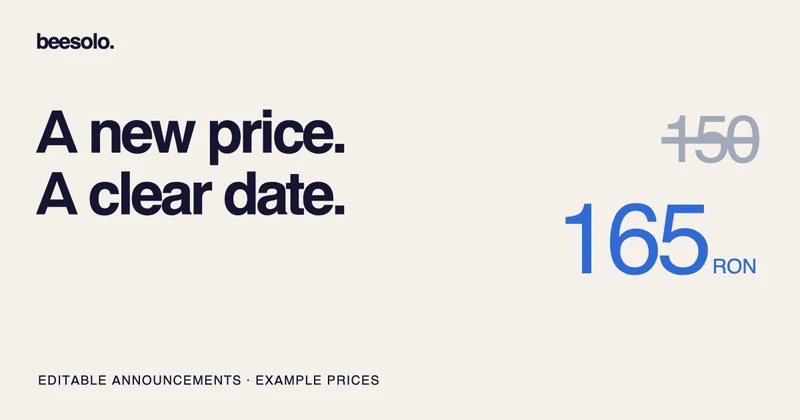
| Cut & style | RON 150 | RON 165 | November 1, 2026 | The same wash, cut, and finish |
| Wash & blow-dry | RON 80 | RON 90 | November 1, 2026 | The same service |
These prices illustrate the communication, not a recommended tariff. If the scope also changes, explain that separately. A new price cannot explain why a client no longer receives something they expected.
Decide how to handle already-confirmed visits. One straightforward approach is to honour the price agreed for those appointments and use the new price for later bookings. Whatever approach you choose, check the commitments you have already made and contact affected clients before the visit. Do not leave the discussion until payment.
A direct message for existing clients
Use this version when you are keeping the agreed price for their current booking:
Hi [name], a quick note before your next visit. My price for [service] will be [new price] for new bookings made from [date]. Your appointment already booked for [appointment date] will stay at the agreed price of [current price]. The updated service menu will be at [public booking link]. Thank you for continuing to book with me.
If the change applies by appointment date instead, write that explicitly and explain the arrangement for existing bookings. "From November" is ambiguous when someone books in October for a November visit.
A short factual reason can help, but only use one that is true. You do not owe a detailed account of your finances, and you do not need to invent new products or training to justify the message.
A short public announcement
Use this on a page or social post once the policy for existing bookings is settled:
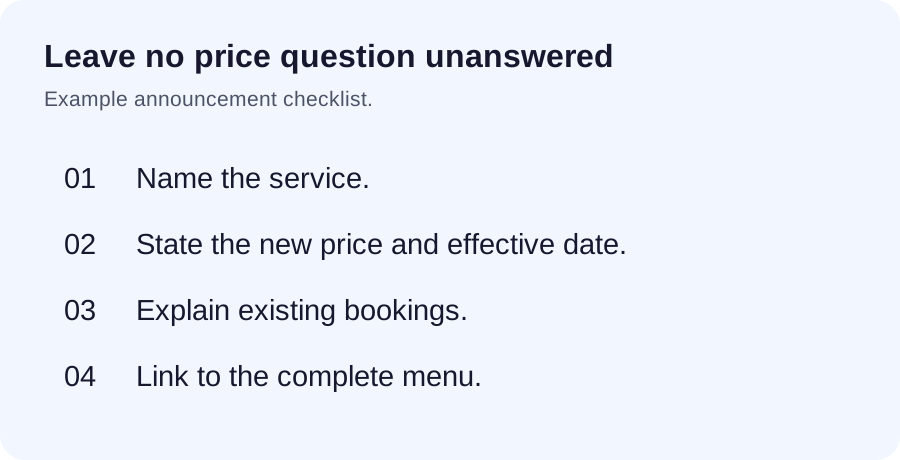
My service prices are changing from [effective date]. [Service] will be [new price], and the complete updated menu is at [public booking link]. [One sentence explaining existing bookings.] If you are unsure which service to choose, contact me at [business contact].
Replace the existing-booking sentence with the actual arrangement. An announcement with that bracket left in is worse than waiting until you have made the decision.
Update each place a client can see a price
Check the public menu, pinned posts, saved replies, printed cards, and any other place where you have published the old amount. An old caption may remain as a dated post, but it should not be the only visible price reference.
In beesolo, review the relevant service in the Merchant App and inspect the public page after saving. Do not assume a service edit has rewritten the price of an existing booking. Check an affected appointment separately and communicate from the confirmed details.
If the current interface has no scheduled-price control, plan when you will update it manually. Publishing a future announcement does not schedule a software change.
Use the service-menu guide to make names and included work consistent. A client should not have to guess whether "cut", "restyle", and "cut & style" refer to the same appointment.
Replies to common questions
"Does this affect the appointment I already booked?"
I have checked your booking for [date]. The agreed price is [amount], and [clear statement of what applies]. I wanted to confirm that before your visit so there is no surprise.
"That is more than I can spend."
I understand. The price for [service] is [amount]. If useful, we can discuss whether a different service or timing would suit what you need. I do not want to book you into something that feels unclear.
Only offer an alternative if it actually suits the work. Do not rename the same service at a lower price in one message while leaving everyone else to discover a different rule.
Check for confusion after the change
Keep a short list of questions clients ask. If several people misunderstand the effective date or a service name, improve that wording. Check the page from a phone once more and remove outdated saved replies.
For clients arranging another visit, confirm the service and price as part of the rebooking conversation. They should leave knowing what they have agreed to.
Explore the beesolo booking page or browse more practical booking guides.