 beesolo.
Fill a last-minute salon cancellation without discounting
Check which service fits the opening, announce it clearly, and keep one booking route. Includes messages for a public post and a client who asked about an earlier time.
By beesolo · Published on · 3 min read
On this page
A cancellation gives you time, but it does not mean every service can fit. Before posting an opening, check its exact start and finish, the work needed around it, and whether a new client can still book within your notice rules.
This guide is for offering an available appointment at your usual price. It describes a manual process, not an automatic waitlist or promotional campaign.
Confirm that the opening is real
Update the cancelled booking first and check the resulting calendar. Do not advertise a time while the original visit still occupies it.
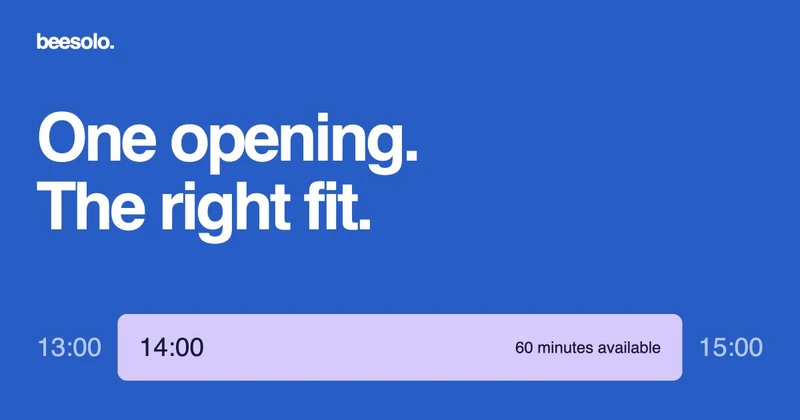
Suppose a cancellation leaves 2 pm to 3 pm free. A service that occupies 60 minutes may fit. A 90-minute colour appointment does not, even if the client says they can arrive early. Include the reset time you need before the 3 pm visit.
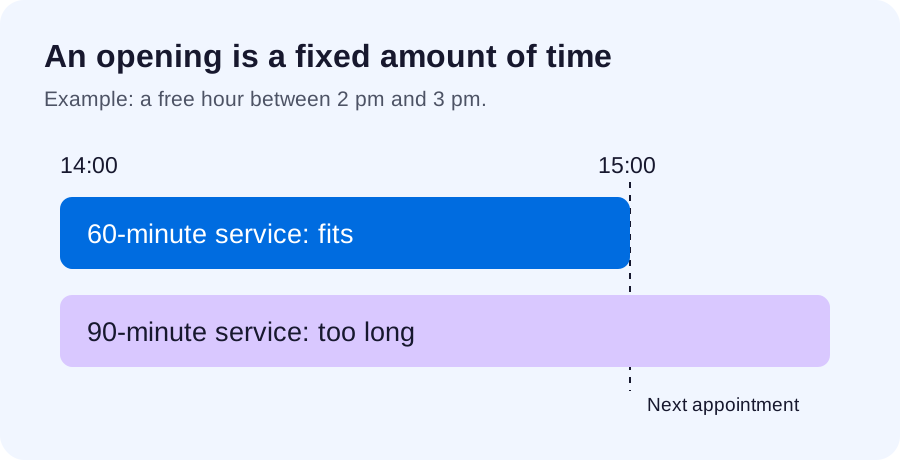
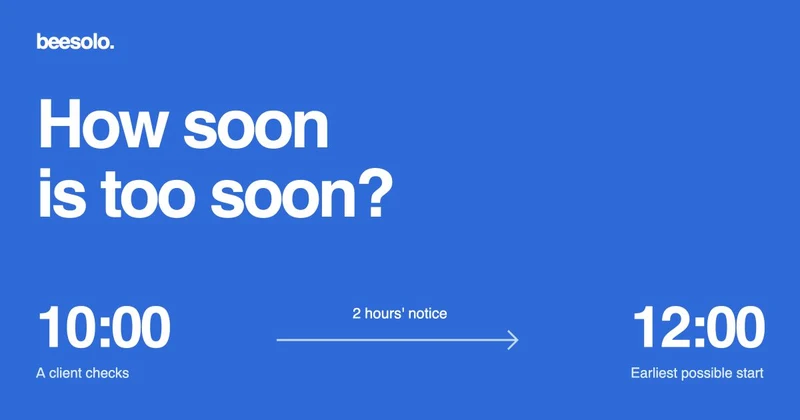
Check minimum booking notice too. At 1 pm, a 2 pm opening cannot be booked online under a two-hour notice rule. Do not shorten a global rule simply to advertise a slot you are not ready to accept. If you arrange an exception manually, confirm that your actual workflow supports it and reserve the time before promising it.
Say exactly what is available
A useful post names the service, date, time, place, price, and booking route. "Last slot! DM now!" leaves nearly all of that work to the reader.
An appointment has opened for [service] on [weekday, date] at [time], at [location]. Allow [duration]; the price is [amount]. You can check and book the available time here: [public booking link].
Do not describe the opening as reserved for whoever comments first if people can also book through your public page. A comment is interest, not a completed reservation.
Use a photograph that matches the offered service. An elaborate colour result can attract the wrong request when the opening only fits a cut. The gallery guide explains how captions and menu names can work together.
Contact a client who asked about an earlier time
If someone specifically asked you to let them know about an opening, you can send a relevant message through the agreed channel:
Hi [name], you asked me to let you know if an earlier [service] appointment opened. [Weekday, date] at [time] is currently available. You can check and book it at [public booking link]. If it no longer appears, another client may have booked it.
Do not imply you are holding the slot unless you have actually reserved it in your calendar. Avoid turning a one-time availability request into an ongoing marketing list.
Keep one way to claim the time
Decide whether the client should complete the public booking or whether you will arrange it directly. If both routes are in use, check the calendar before accepting a message request. The same free hour cannot be promised in two conversations.
Once booked, update or remove the availability post where you can. Reply to people still waiting with the current situation rather than leaving them to discover that the link no longer offers the time.
That appointment has now been booked. My other available times are at [public booking link]. If none suit you, tell me which days you are looking for and I will check.
If the opening stays empty
Decide whether to use it for a break, preparation, stock checks, or admin. An unfilled appointment is not a reason to rush a longer service into a shorter gap.
Track the outcome separately from the cancellation itself: cancelled, offered again, then filled or unfilled. The no-show log helps you see whether the recurring problem is missed visits, late cancellations, or difficulty offering the time again. Address that pattern with a clear cancellation policy and realistic availability.
Explore the beesolo booking page or browse more practical booking guides.