 beesolo.
Minimum booking notice: a guide for solo salons
Choose a notice period that fits how you work. Includes same-day booking examples and a way to diagnose appointments that disappear from your calendar.
By beesolo · Published on · Updated · 4 min read
On this page
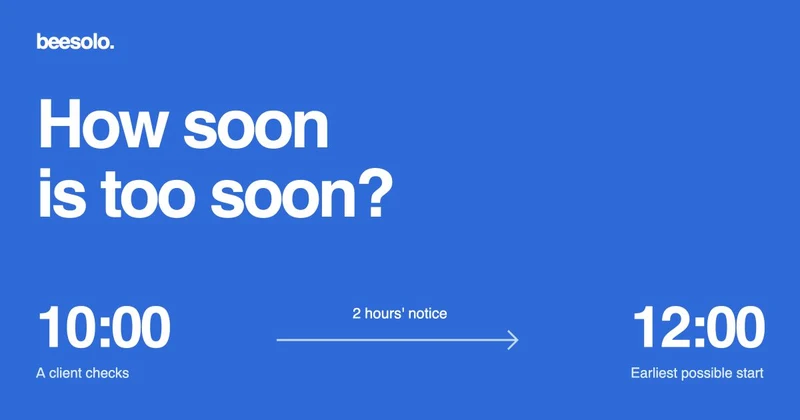
It is 10 am. Your next appointment is at noon, and the chair is free until then. Should someone be able to book an 11 am haircut?
If you are in the studio and ready, perhaps. If you are at home and need to travel in, that same booking could leave you rushing. Minimum booking notice is the gap between making a booking and starting the appointment. It should reflect how quickly you can be ready.
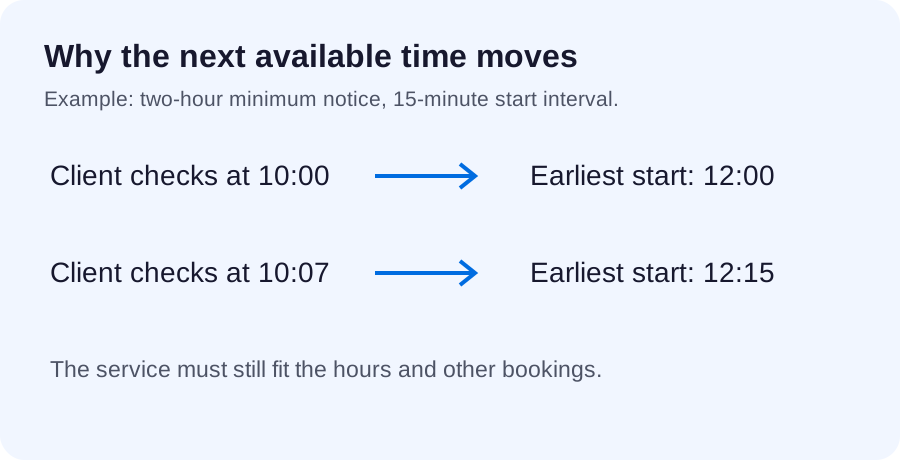
With two hours of notice, 11 am is unavailable to someone checking at 10 am. Noon is the earliest possible start, provided the whole service fits your schedule.
Work out how much warning you actually need
Start with a recent day rather than a round number. How long did you need to finish what you were doing, get to the studio if necessary, and prepare for the service?
Here are two example working patterns:
Scroll sideways to see the full table.
| Working pattern | Time needed | A notice period to try |
|---|---|---|
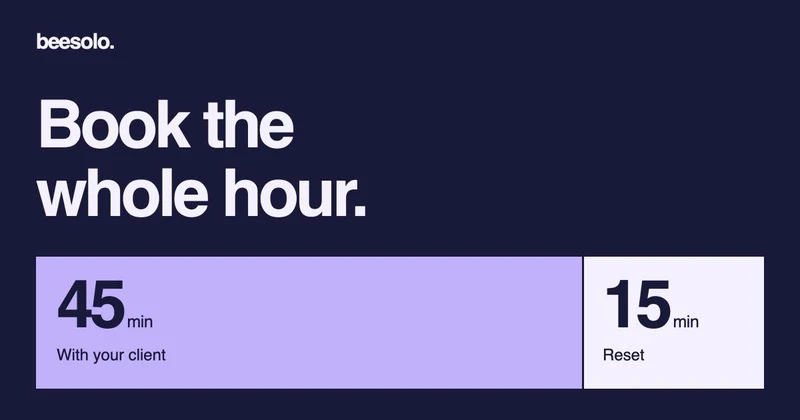
| You stay in the studio during published hours and check for bookings between clients. | Up to 30 minutes before you see the booking, then 15 minutes to prepare. | 60 minutes gives some room beyond that 45-minute sequence. |
| You travel in for appointments. | 20 minutes to get ready, 35 minutes to travel, 15 minutes to prepare the station. | 90 minutes covers the 70-minute sequence with a small margin. |
These are examples for making the decision, not salon industry standards. Use your own timings. Include the delay before you notice a booking; travel time alone is not enough.
If a colour service needs a consultation before you can accept it, a longer notice setting does not replace that conversation. Handle the consultation in the service menu and booking process.
See what the rule does to an ordinary day
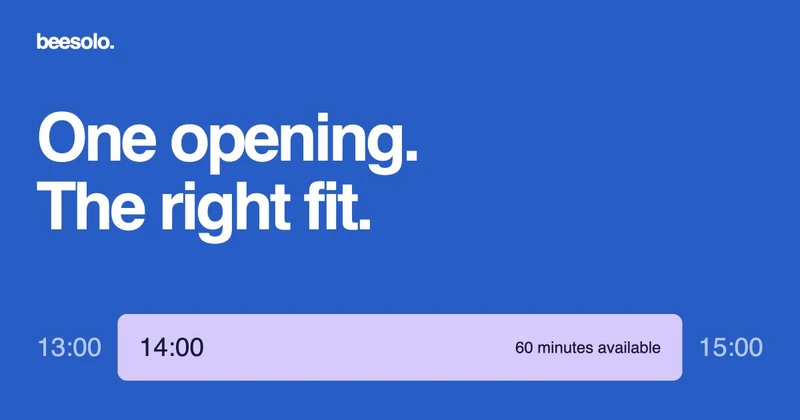
Suppose your hours are 9 am to 6 pm, the service takes 60 minutes, and you require two hours of notice. Appointment starts fall every 15 minutes. Assume no other bookings or blocks for these examples.
Scroll sideways to see the full table.
| When the client checks | Two hours later | Earliest possible start |
|---|---|---|
| 10:00 am | Noon | Noon |
| 10:07 am | 12:07 pm | 12:15 pm, the next start on the grid |
| 3:00 pm | 5:00 pm | 5:00 pm, finishing at 6:00 pm |
| 3:07 pm | 5:07 pm | No same-day appointment. The next grid start is 5:15 pm, which would finish after closing. |
This explains a confusing but correct result: a 5 pm appointment can disappear at 3:01 pm even though nobody has booked it. It is now inside the two-hour notice window.
It also explains why "24 hours" is different from "tomorrow". At 4 pm on Tuesday, 24-hour notice excludes Wednesday morning. If your routine depends on preparing the next day's work every evening, check whether a rolling 24-hour rule matches what you intend.
Keep notice separate from the other controls
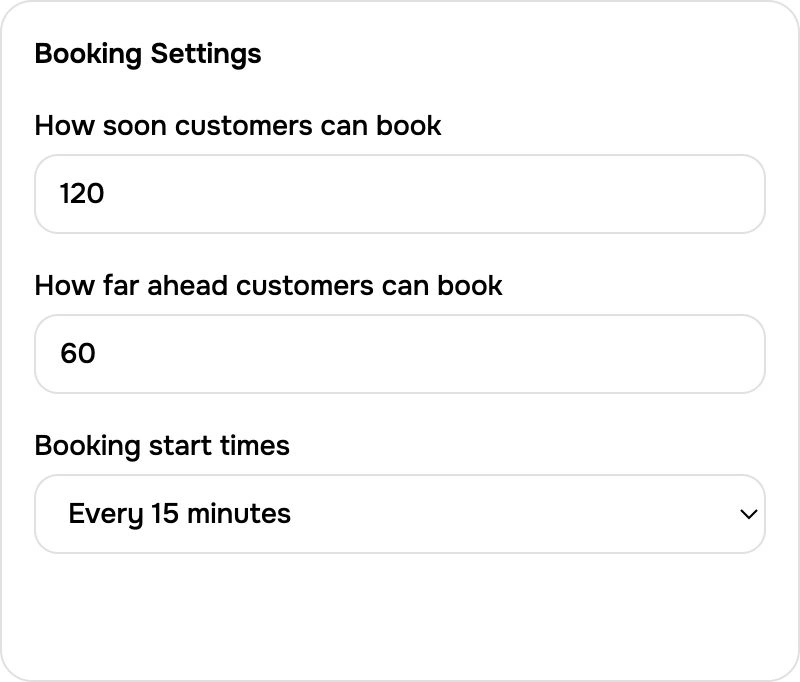
Minimum notice only answers how soon a new appointment can start. It does not decide how far ahead you accept bookings or how long a service takes.
In beesolo, booking rules separate:
- Minimum notice, set in 15-minute increments.
- Booking horizon, from 1 to 60 days ahead.
- Start-time interval, using 5, 10, 15, or 30 minutes.
Notice must be shorter than the booking horizon. A shorter start interval offers more possible starting points, but it does not shorten a service or allow overlapping appointments.
Reset time belongs in your appointment planning, covered in the buffer-time guide. A client's deadline for changing an existing visit is a separate cancellation-policy question.
Check the setting against a concrete time
Open Booking settings in the Merchant App. Review minimum notice, booking horizon, and start interval separately. Save the intended rule, then open the public page and choose the service you are checking. The example below assumes a two-hour notice period and a 15-minute interval.
Find out why a time is missing
Imagine a client asks for 3:30 pm. Your calendar looks empty, but the booking page does not offer it. Check the facts in this order:
- The selected service. A 90-minute colour appointment needs a longer opening than a 30-minute blow-dry.
- The available period. Check the date's working hours, existing bookings, and time off. A gap visible between appointments may be shorter than the service.
- The end time. Starting before closing is not enough. The appointment must finish within the available period.
- The current time. Count forward by your notice period, using the appointment's local time.
- The date and start grid. The day must be inside your booking horizon and the start must fall on an offered interval.
For example, a free period from 3:30 to 4:30 pm cannot hold a 90-minute service. Reducing notice will not make it fit. Changing an unrelated setting just creates a second problem.
Change the setting with a specific outcome in mind
Try your chosen notice for a normal working week. Record last-minute requests you could comfortably have accepted, and bookings that caught you unprepared.
If the first list keeps growing, shorten notice by one step and repeat the phone check. If the second grows, ask whether the problem is delayed booking awareness, travel, or preparation. More notice can help, but an unrealistic service duration needs its own correction.
The useful setting is the shortest warning you can reliably work with. Keep your availability open to appointments you can deliver without rushing the client already in your chair.
Explore the beesolo booking page or browse more practical booking guides.