 beesolo.
Salon booking page checklist: what clients need to see
Review your booking page through the eyes of a new client. Fix unclear services, missing location details, and dead ends before sending more people to it.
By beesolo · Published on · Updated · 5 min read
On this page
Imagine a new client opens your booking page after seeing a haircut they like. They have never visited your studio. They do not know whether "The Signature" includes a beard trim, whether you are near their office, or whether the price covers the finish in the photo.
Your regulars can fill in those gaps. A stranger cannot.
A useful salon booking page gives a new client enough information to choose the right service and reserve a time. You can review yours with one task: book the appointment shown in your most recent work photo, without asking you a question.
Make the first screen explain whose chair this is
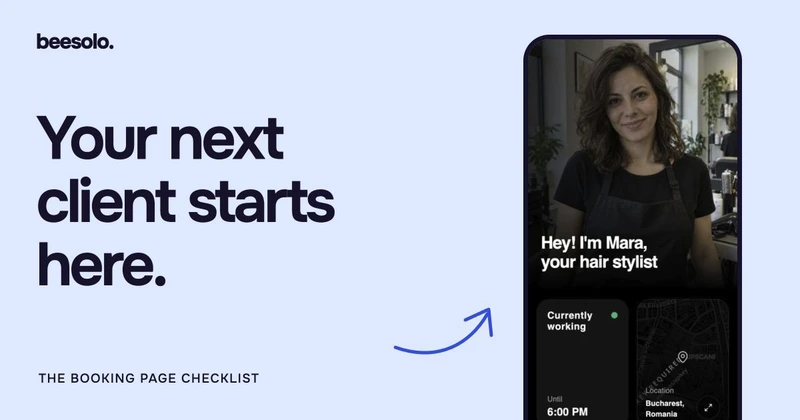
Use the name people recognise from your social profile or shopfront. Say what you do and where you work. A good photo of you at work can help connect the page with the person clients will meet.
Compare:
Welcome to a new era of personalised beauty.
With:
I'm Mara, an independent hair stylist in Bucharest. I offer cuts, colour maintenance, and blow-dries from my city-centre studio.
The second version gives a prospective client something to decide from. Add a specialism if it matters, but keep it specific. "Short cuts and bobs" means more to someone looking for a haircut than "bespoke transformations".
If you rent a chair inside another salon, explain that relationship. A client should not wonder whether they have arrived at the wrong business because the sign outside has a different name.
Put service information where the decision happens
A gallery can show the result. The service menu must explain what someone is booking.
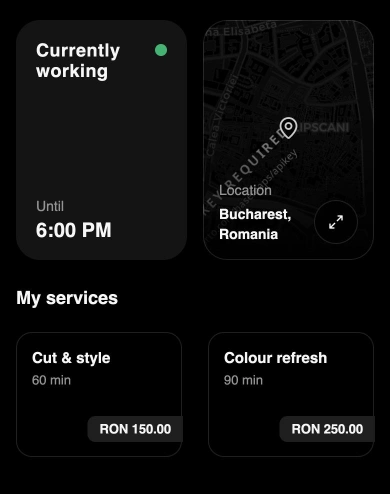
Every bookable service needs a recognisable name, a price, and enough time to do the work. The description should settle the most likely question. For a haircut, that might be whether washing and styling are included. For colour, it might be whether the appointment is for maintenance or a larger change.
Scroll sideways to see the full table.
| A detail that leaves doubt | A more useful version |
|---|---|
| "The Signature" | "Haircut & beard trim" |
| "Colour, from RON 150" with no explanation | Describe the exact colour service, what the displayed price covers, and when a consultation is needed. |
| "30 minutes" for every haircut | Give each service the time it actually needs, including its normal consultation and finish. |
| A photo of a major restyle beside a maintenance cut | Label the result and explain which appointment a similar change needs. |
The RON amount is an example. The point is to reduce uncertainty before the client chooses. If the same question comes up repeatedly in messages, answer it beside that service. The service-menu guide includes descriptions you can adapt.
Use the gallery to explain your work
A dozen unrelated photos are less useful than a small set that represents your actual services. Choose work a new client can connect with the menu: a maintained bob, a short scissor cut, a beard finish, or the kind of colour refresh you offer.
Use your own work and get permission before publishing identifiable client photos. Keep the treatment consistent enough that people can see the hair clearly. Heavy filters and changing light make colour difficult to judge.
A caption can do practical work:
Bob maintenance, cut and styled. Book "Cut & style" if you are keeping a similar shape.
Avoid implying that one photo guarantees the same result for everyone. If achieving a result depends on the starting point, say that and offer a consultation route.
Give the location in words as well as on the map
A pin can point to the building without showing the correct entrance. Write the address and add the detail that removes doubt: floor, door, entrance, or the salon name on the sign.
For a chair inside another business, a useful instruction might be:
Find me inside [salon name], at [full address]. Use the street entrance beside [landmark]. Ask for [your name] when you arrive.
Publish only practical information you have checked. If access involves stairs, say so plainly so clients can decide whether to contact you before booking. Do not guess that a location is accessible because the map looks close to the street.
Follow the booking through to its end
A visible booking button is only the beginning. Open the public page on a phone, choose a service, and inspect a date you know should have availability.
Check that the service name survives the journey unchanged. The duration and price should not become a surprise at the next step. Then check what the client sees after entering their details: the appointment time, location, and way to manage the visit should be clear.
Use your own contact information for a test booking and remove it from your working calendar afterwards. Never use a real client's details to test the process.
If the time you expect is missing, check the booking rules and service duration. A longer service may correctly have fewer available starts.
Check the complete page, not just the hero
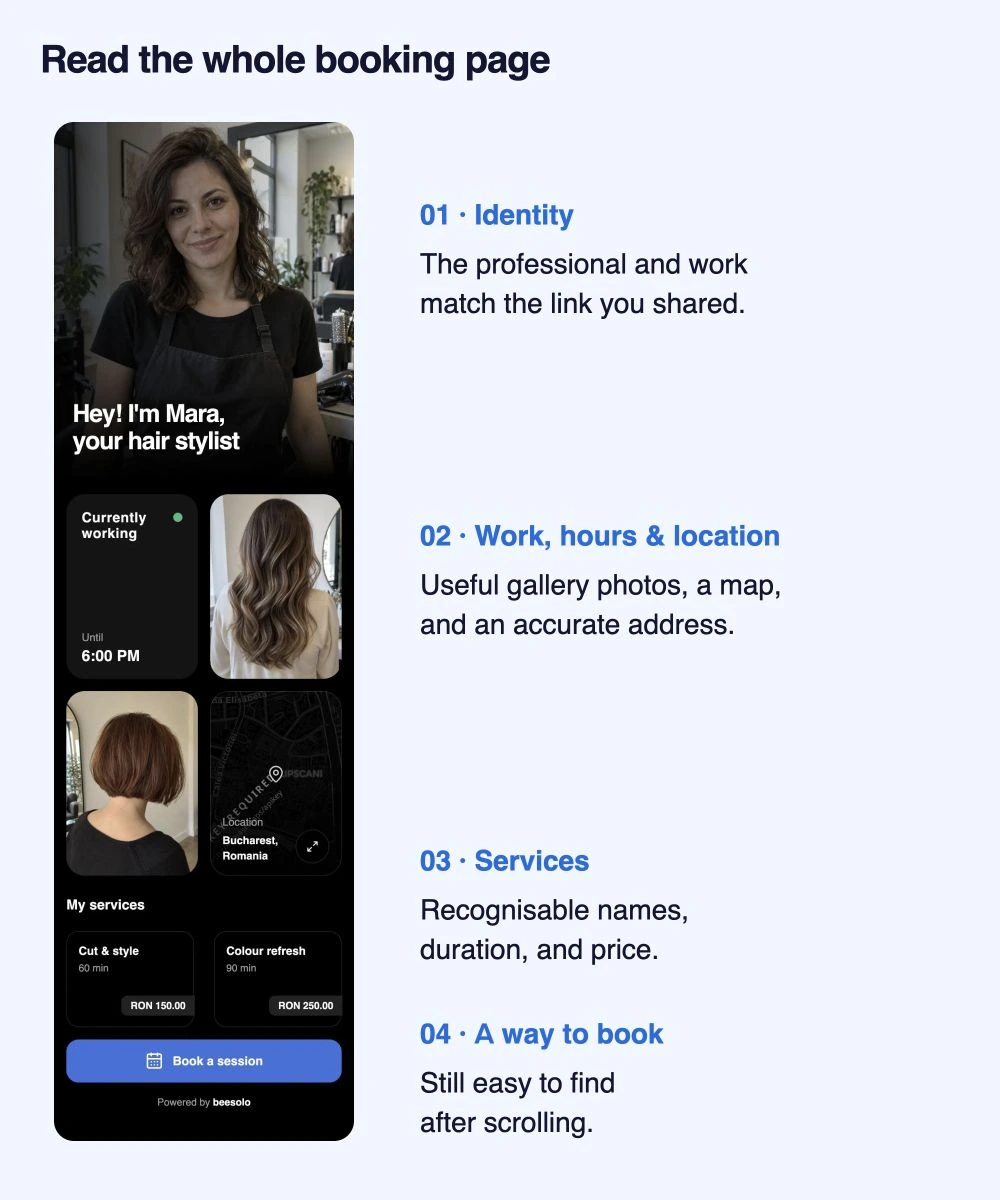
Read it from top to bottom. The identity should match the link you shared; the map should match the written address; the service names should match the work photos. The gallery can help a client choose, but the booking action must still be easy to find after scrolling.
Use the gallery shot list if the page has images without enough information about the work.
Run a ten-minute review with someone new
Ask someone who does not know your business to open the page. Give them a specific task, such as "Book a haircut and beard trim next Thursday afternoon". Watch where they pause without explaining the page for them.
Write down the exact question at each pause. "Does this include a wash?" calls for a service description. "Is that the right studio?" calls for location context. "Am I booked?" calls for a clearer confirmation journey.
Fix those points before changing colours or adding more content. The beesolo booking page gives you a place for the essentials; the quality of the information is what makes it useful to the next client.
Explore the beesolo booking page or browse more practical booking guides.